
TCL FIRE TV REMOTE APP
TCL Fire TV Remote App: A 4-Digit Code and You Are In
TCL's Fire TV line is the third platform under the TCL name. It pairs differently from both the Roku and the Google TV models.
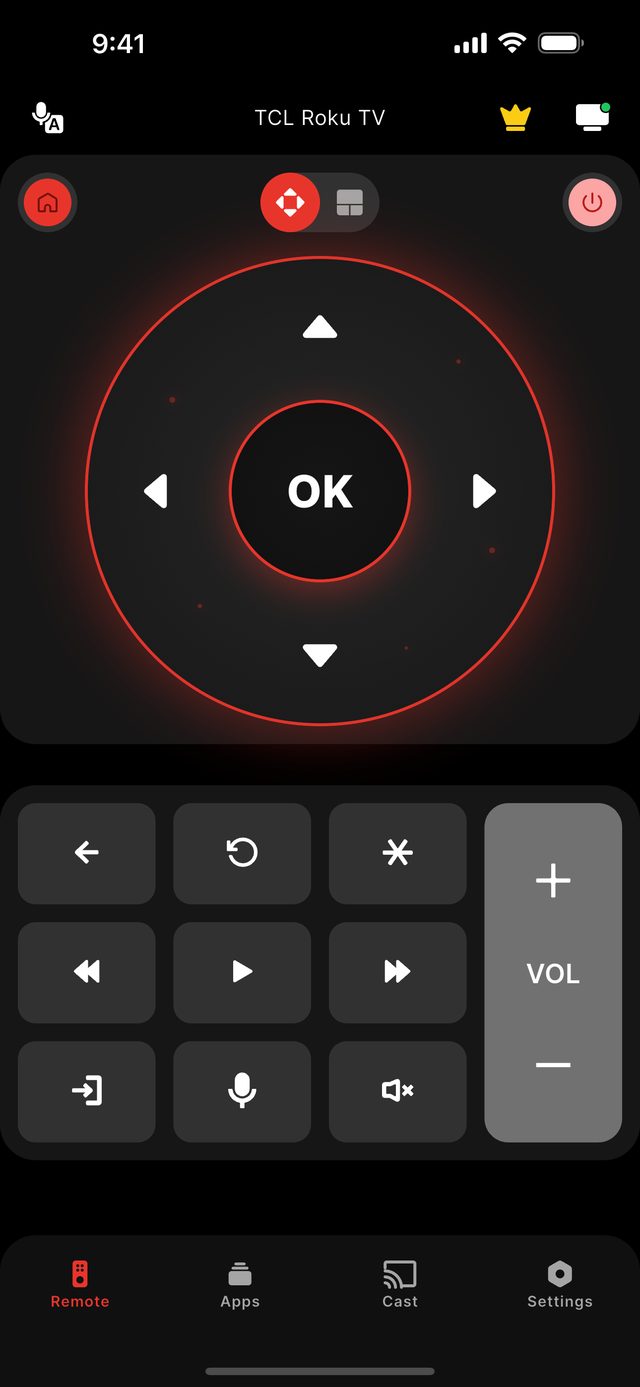
A TCL Fire TV set is controlled from a phone over Wi-Fi after a one-time 4-digit code. With the phone on the same network as the television, open Remote for TCL TV, tap the TV in the list, and enter the four digits the TV displays. After that the app reconnects on its own. The code is four digits on a TCL Fire TV — not the six digits a TCL Google TV asks for, and not the code-free connection of a TCL Roku TV.
Most people know TCL for its Roku TVs, and many newer buyers know the Google TV sets. The Fire TV line is the least familiar of the three: a TCL television whose home screen, app store and voice assistant come from Amazon. If the first thing you see is the Fire TV home row with an Amazon account in the corner, this page is the one that applies.
TCL itself treats these sets as a separate platform — its support pages send Fire TV owners to Amazon's own Fire TV app rather than to TCL Home. Remote for TCL TV covers the same ground from one place, alongside TCL's Roku and Google TV models, which matters in a household that owns more than one TCL from different years.
The four-digit code appears on the television the first time a new phone connects. It proves you can see the screen; it is asked once per phone and never again.
Not sure which model you own? Start with the TCL platform guide, or read what the app does on the features page.
The facts for this model family
Three TCL platforms, three first-connection behaviours
| TCL platform | Code on first connect | Digits | Asked again later? |
|---|---|---|---|
| TCL Fire TV | Yes | 4 | No — once per phone |
| TCL Google TV / Android TV | Yes | 6 | No — once per phone |
| TCL Roku TV | No | — | Not applicable |
- Platform
- Amazon Fire TV, built into the TCL set
- Pairing
- 4-digit code shown on the TV, once per phone
- Where TCL sends owners
- To Amazon's Fire TV app, not TCL Home
- Voice search from the phone
- Not available on TCL Fire TV models in this app
- Power button on the set
- Rear or bottom-centre of the frame, varying by model
- If you own a Fire TV Stick instead
- That is a different device — see Remote for Fire TV at firetv.auxility.ca
Step by step
Step by step: TCL Fire TV Remote App.
Each step takes seconds. No account is needed — only your phone, the same Wi-Fi as the TV, and a code if your model shows one.
-
Check the home screen
A TCL Fire TV shows the Fire TV home row and an Amazon profile. If you see channel tiles or a "For you" tab, you have a Roku or Google TV model instead.
-
Join the same Wi-Fi
The phone and the TV must share one home network. A guest network keeps them apart.
-
Tap the TV in the app
Remote for TCL TV lists the sets on your network. Tap the TCL Fire TV and the television shows a 4-digit code.
-
Enter the four digits
Type the code into the app. The phone is remembered and later sessions connect by themselves.
Common questions
TCL Fire TV Remote App — your questions answered.
Is the TCL Fire TV pairing code 4 or 6 digits?
Can one app control a TCL Fire TV and a TCL Roku TV in the same house?
Does voice search work on a TCL Fire TV from the app?
What does the TCL Fire TV remote app cost?
Is this the Amazon Fire TV app?
Get the app
Put your TCL TV remote on your phone.
Remote for TCL TV finds your TV on Wi-Fi and connects the way your model expects. Roku TV models connect without any code. Google TV and Android TV models show a 6-digit code the first time you connect; Fire TV Edition sets show a 4-digit code. Navigation, volume and channels are free; Premium adds Power, Home and Back.

iPhone version: in App Store review — available on Google Play now.
An independent app by Auxility, Inc. Not affiliated with, endorsed by, or sponsored by TCL. TCL is a trademark of TCL Technology Group Corporation, used only to indicate device compatibility. Roku is a trademark of Roku, Inc.; Google TV and Android TV are trademarks of Google LLC; Fire TV is a trademark of Amazon.com, Inc.
Keep exploring